

How to Complete a Self Assessment Tax Return in 2026
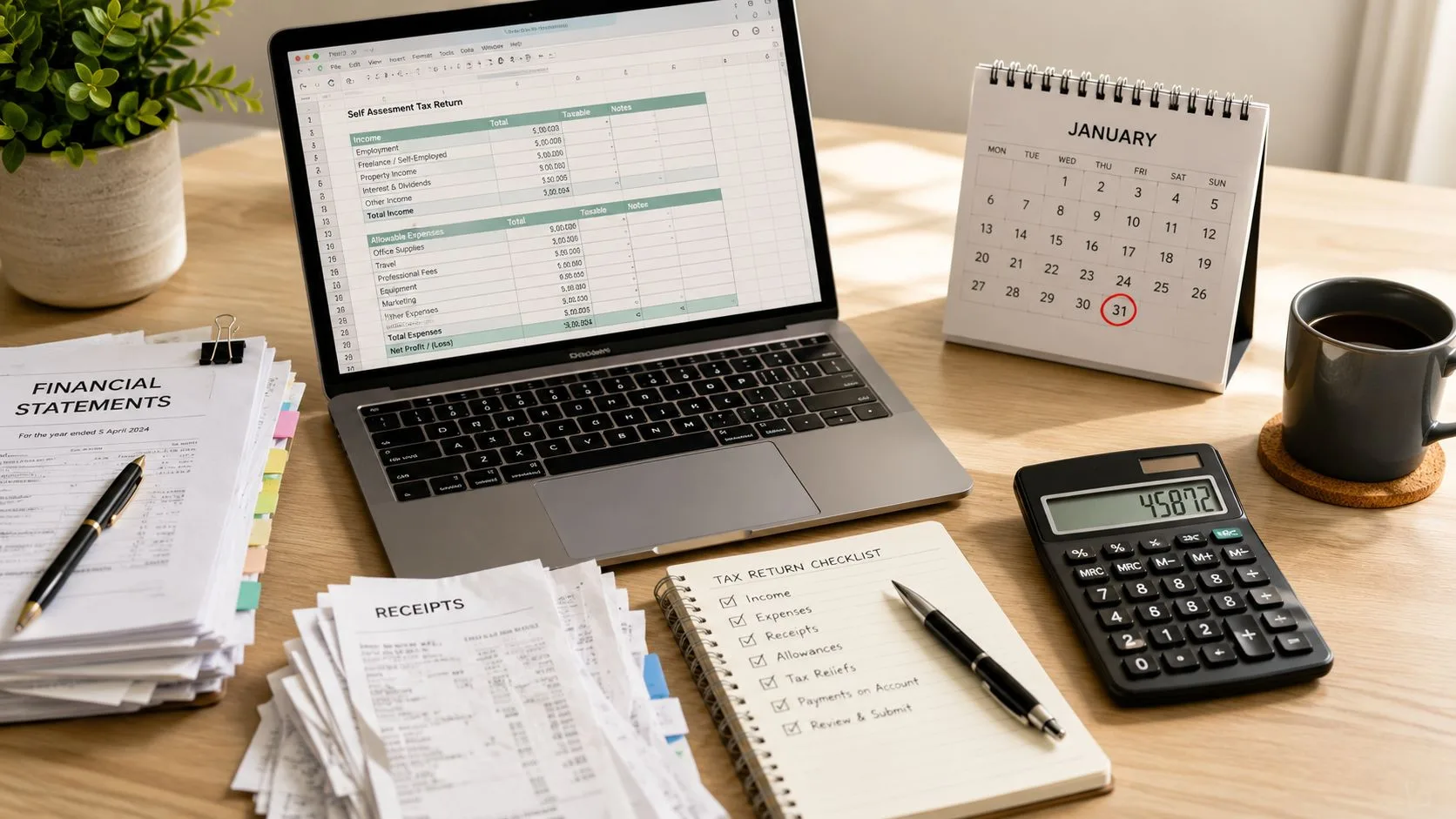
You're in Alloa, it's the last week of January, and your business records are spread across a bank app, an email inbox and a carrier bag of receipts. You know the return is due, but you haven't decided whether your freelance income belongs on a short or full self-employment page, and you're still trying to work out whether that payment from a letting agent counts as property income. This is exactly when mistakes happen.
The practical answer to how to complete a Self Assessment tax return is simple, but it isn't casual. Register correctly, gather records before opening the form, use the right supplementary pages, reconcile the figures, submit online and confirm that HMRC has received the return. The fixed timetable matters more than your confidence with the numbers, and HMRC's official Self Assessment service should be your starting point.
The 2026 Self Assessment Deadlines That Drive Everything
A sole trader who leaves everything until the final week of January is already working against the clock. If the return misses the deadline, HMRC can issue a £100 late-filing penalty, even where no tax is owed. The point isn't to frighten you. It's to make clear why your calendar, not your spreadsheet, should control the job.
For the 2025/26 tax year, the tax year ends on 5 April 2026. A new sole trader who needs to register must tell HMRC by 5 October 2026, so registration should happen early enough for the Unique Taxpayer Reference and online access to arrive. Paper returns must reach HMRC by 31 October 2026. The online return and any tax due are normally due by 31 January 2027. HMRC confirms that online filing gives you three extra months compared with paper filing, which explains why digital submission is now the normal route. See this complete guide to the 2026 Self Assessment deadline before you build your own timetable.

Put every relevant date in one calendar
If you're making payments on account, the second instalment is due on 31 July 2026. That date is easy to miss because it falls between tax years, but it remains separate from the January filing and payment deadline.
| Date | What it controls |
|---|---|
| 5 April 2026 | End of the 2025/26 tax year |
| 31 July 2026 | Second payment on account, where applicable |
| 5 October 2026 | Registration deadline for people newly required to file |
| 31 October 2026 | Paper return deadline |
| 31 January 2027 | Online filing deadline and payment deadline |
A late return can lead to further daily and fixed penalties as the delay continues, and late payment can create separate charges. The exact position depends on the circumstances, so use this practical avoid HMRC penalties guide for the edge cases, particularly if HMRC issued your notice late or you're filing on paper.
The 2025/26 budget date doesn't replace these filing dates. Deadlines for the 2026/27 tax year should be treated as provisional until HMRC confirms them.
Registering for Self Assessment and Getting Online Access
Don't begin with figures. Begin by confirming that HMRC expects a return and that you're registered under the right category.
You'll usually need to register if you're a newly self-employed sole trader above the relevant trading allowance threshold, a partner in a business partnership, a landlord with rental income above the relevant threshold, or someone receiving untaxed income that HMRC needs to assess. You may also need to file when claiming a tax refund or reporting other income outside PAYE. If HMRC has already issued a notice to file, you must deal with that notice unless HMRC confirms that it has been withdrawn.

Check your status before registering again
Look for an SA250 notice, check your Personal Tax Account and review HMRC letters. If you're still unsure, contact HMRC's Self Assessment service rather than creating a duplicate registration. Duplicate registrations can create confusion over which return belongs to which Unique Taxpayer Reference.
For practical guidance on the setup process, use this guide to registering for Self Assessment.
Complete the online registration carefully
Sign in or create your Government Gateway access through GOV.UK. Select the correct reason for registration, such as self-employment, partnership or land and property, then provide the requested personal and business details. HMRC will issue a Unique Taxpayer Reference, commonly called a UTR, by post. You may also need a separate activation code for a Business Tax Account.
If you can't use digital services, the SA1 paper route may be available, depending on why you're registering. Either way, store the UTR securely and bookmark the HMRC login page. You shouldn't touch the return until you know which taxpayer record and supplementary pages you're working with.
This short video gives a useful visual introduction to the online process:
Gathering the Records You Need Before You Touch the Form
The return is only as good as the records behind it. Open HMRC's form after you've assembled the evidence, not while you're still searching for invoices.
A sole trader should normally gather PAYE documents, business bank statements, sales invoices, purchase invoices, mileage records, receipts for allowable expenses and CIS vouchers where relevant. If you're also a director or shareholder of a personal company, keep dividend vouchers with the other income documents. A P45 matters where employment ended during the year, while a P60 covers employment continuing to the end of the tax year.
Landlords need a different pack. Rental statements should agree to the property income reported, while mortgage interest certificates, agent statements, service charge invoices and property insurance schedules support the property pages. Partners need the partnership return figures, their allocated share of profit and any relevant loan or overdrawn capital statements.
| Sole trader | Landlord | Partner |
|---|---|---|
| Business bank statements | Rental statements | Partnership return figures |
| Sales and purchase invoices | Mortgage interest certificate | Allocated share of profit |
| Mileage log | Letting agent statements | Loan statements |
| Expense receipts | Service charge invoices | Overdrawn capital information |
| P60, P45 and CIS vouchers where relevant | Property insurance schedule | Partnership correspondence |
Reconcile before you export
Xero can bring much of the sole-trader information together through a reconciled bank feed, a year-end profit and loss report and a trial balance. That can map cleanly to the SA103S figures, but software doesn't decide whether a transaction is allowable or whether a payment has already been claimed elsewhere.
Export the final reports to PDF and save them in a dated folder. Cross-check bank deposits against sales records before treating the profit figure as final. The most useful Self Assessment records guide is the one you follow before filing, not after HMRC asks questions.
Practical rule: If the bank balance, sales ledger and tax return profit don't tell the same story, stop and reconcile them before submitting.
Filling In the SA100 and Supplementary Pages Step by Step
Take a freelance graphic designer in Stirling. For the year, the records show business income of £58,400, allowable expenses of £6,120, bank interest of £820 and Gift Aid donations of £1,200. Those figures aren't enough on their own. The form also needs the correct identity details, income categories and supplementary pages.
Start with the main return
The SA100 gathers the return's core information. Complete the personal details first, including your name, address and UTR. Then answer the residence and remittance-basis questions accurately. Don't tick a box because it sounds familiar. Residence questions can change which income must be reported and how the return is completed.
Employment income comes from the relevant P60 or P45, not from a rough estimate of what landed in your bank account. Enter the freelance figures through the self-employment supplementary pages, then add savings interest, dividends, pension income, capital gains information and any Student Loan details that apply.
The designer's business income and expenses belong on the self-employment section. The resulting profit feeds the SA100 tax calculation. The £820 bank interest belongs in the interest section, while the £1,200 Gift Aid payment belongs in the relief section. If the designer also owns a rental property or participates in a partnership, those sources need their own pages rather than being folded into freelance turnover.
Select the right supplementary page
The pages are where many otherwise tidy returns go wrong.
- SA103S is the short self-employment page where the business circumstances fit the shorter format.
- SA103F is the full self-employment page for businesses requiring more detailed reporting.
- SA105 reports UK property income and associated figures.
- SA104 deals with partnership income and the individual's allocated share.
- SA108 reports capital gains information.
A P60 supplies employment pay and tax details. Dividend vouchers support dividend entries. Xero's final profit and loss report supports the self-employment totals, but you still need to transfer the figures to the correct boxes and check that the accounting period matches the tax year being reported.

Let HMRC calculate, then review the result
The final tax calculation summary brings together taxable income, reliefs, tax deducted at source and any National Insurance calculated through the return. Read every summary line. A refund can be wrong as well as a bill, particularly where employment income has been entered twice or an income source has been omitted.
HMRC's Self Assessment detailed information and forms provides the official forms and filing guidance. If you're comparing software before choosing a workflow, a practical cloud based tax software guide can help you understand how cloud records connect with tax preparation.
Common Pitfalls That Trigger Penalties and Rejected Refunds
Most errors follow a sequence problem. Someone files before reconciling, chooses pages based on guesswork, then tries to correct the return after the submission has gone through. HMRC-linked guidance identifies missed deadlines, incorrect personal details, omitted income and missing supplementary pages as recurring failure points, while HMRC has also reported increased concern about inaccurate repayment claims through its Self Assessment repayment claims guidance.

Errors I see repeatedly
Missing SA103S. If you registered as self-employed, HMRC may expect self-employment pages even where the final turnover is modest. Leaving the supplementary page out can make the return look incomplete.
Claiming expenses from memory. A cost that feels business-related still needs a record. Mileage is particularly risky when a round-sum allowance has already reimbursed the same journeys.
Forgetting July. Paying the January bill doesn't automatically deal with a separate payment on account due in July. Check the statement rather than assuming the account is clear.
Duplicating employment income. Use the right document for the employment period. Entering a P60 and then adding a P45 for the same pay period can inflate income and tax deducted.
Ignoring the trading allowance. Compare the allowance route with actual allowable expenses where turnover and costs are close. Don't claim both methods for the same income.
Treating redundancy tax as a refund opportunity. A redundancy payment processed through PAYE may already have been taxed correctly. Don't claim it again without checking the payslip and tax treatment.
The correction order is firm: gather, reconcile, file, then pay. Don't delay filing because you're still deciding how to fund the bill. A late return can trigger the automatic £100 penalty after the first day, even if your payment plan is still being arranged.
Calculating Tax, Payments on Account and How to Pay HMRC
The SA100 calculation applies the tax rules to the figures you enter. For 2025/26, the personal allowance is £12,570, with a taper applying above £100,000. Class 4 National Insurance is calculated on self-employment profits within the relevant bands, while Class 2 may also apply under the rules for the year. Check the calculation HMRC produces rather than relying on a hand-built estimate.
For the Stirling designer, turnover of £58,400 less allowable expenses of £6,120 gives a business profit of £52,280 before other adjustments. Bank interest, Gift Aid and any PAYE tax deducted affect the final position. The result can't be stated responsibly without the designer's full tax profile, including employment income, pension position and other reliefs.
| Band | Threshold | Rate |
|---|---|---|
| Personal allowance | £12,570 | 0% |
| Personal allowance taper | Above £100,000 | Reduced allowance |
| Class 4 lower band | £12,570 to £50,270 | 6% |
| Class 4 upper band | Above £50,270 | 2% |
Payments on account generally apply where the previous Self Assessment bill exceeds £1,000, subject to the relevant exclusions. Each instalment is normally based on half of the previous year's liability, with instalments due in January and July. If income has fallen, you can apply online to reduce the payments, but don't reduce them just to postpone a bill you know is still due.
Use the payment instructions on your HMRC statement, including the 17-digit account reference where applicable. Bank transfer, card payment and other HMRC-approved routes are available. Cleared funds must reach HMRC by the deadline, so leave time for the bank transfer rather than treating a payment instruction as proof of payment.
Your Practical Checklist Plus Answers to Edge-Case Questions
Use this as a working document, not a motivational list.
A 90-day filing plan
- Days 1 to 30: Confirm whether HMRC expects a return, register if necessary, secure your UTR and collect bank statements, invoices, PAYE documents and property or partnership records.
- Days 31 to 60: Reconcile business transactions, classify expenses, confirm supplementary pages and produce the final Xero profit and loss report.
- Days 61 to 90: Complete the SA100 and supporting pages, review every income source, submit online, save the confirmation and arrange payment.
A spouse dies mid-year. The surviving spouse and the deceased person's tax affairs must be considered separately. Contact HMRC or an adviser promptly, because the reporting position depends on the dates, income sources and personal representatives involved.
How do you amend a submitted return? Use HMRC's online amendment facility where available and check the permitted amendment period. Reconcile the corrected figures first, then keep a record of what changed and why.
Does rental income below £1,000 need declaring? Don't assume the answer from the gross figure alone. Check the trading or property allowance rules, whether HMRC has issued a notice to file and whether other income means a return is required.
Can you claim relief for Gift Aid paid after 5 April? A later donation generally belongs to the later tax year, but the rules can allow an election in particular circumstances. Check the election conditions before entering it in the earlier return.
For next year, switch on Xero bank-feed capture and reconcile transactions as they arrive. If the records stay current, the return should take days rather than weeks. If you want an adviser to prepare and file the return using HMRC-approved software, Stewart Accounting Services is one option for sole traders, landlords and partners across Central Scotland.
Gather your records now, confirm your filing category and book professional support before the deadline becomes the only thing left on your calendar. A chartered accountant can check the supplementary pages, reconcile the figures and file your Self Assessment return before a preventable penalty becomes your problem.
Recent Posts
04 Oct, 2026
04 Oct, 2026
04 Oct, 2026