

MTD Software for Sole Traders: 10 Tools Compared for 2026

You're a self-employed electrician with a shoebox of receipts, business payments across different bank accounts and a quarterly update due in weeks. You need to separate materials from personal spending, find missing invoices and work out whether your software submits the figures. Learning a new accounting system wasn't supposed to become another evening's work.
The right MTD software for sole traders makes recording, checking and reporting part of the same routine. The wrong choice adds a subscription without fixing the receipts, or handles quarterly updates while leaving you to arrange annual filing elsewhere.
Under HMRC's published timetable, mandatory participation starts on 6 April 2026 for qualifying income above £50,000, followed by thresholds above £30,000 from 6 April 2027 and £20,000 from 6 April 2028. Quarterly updates don't replace the annual tax return.
Receipt handling matters just as much as submission buttons. The guide to QuickBooks receipts for hosts provides useful context if property-related spending is part of your records.
The options below suit different jobs: keeping the books, connecting existing spreadsheets to HMRC, or having an accountant manage the process. Compare the actual plan and complete filing route, not just the brand name or introductory offer.
1. Stewart Accounting Services
Best for sole traders who need someone to organise the workflow, not just supply software. Stewart Accounting Services is an accountant-led option rather than a filing application. We work with sole traders, partnerships, limited companies and landlords across the UK, with local offices in Alloa, Stirling and Falkirk.
That distinction matters if your books contain unreconciled bank payments, rental income or expenses you aren't confident categorising. We set up Xero and supporting apps, help clients keep their own books more efficiently, or take bookkeeping off their hands.
What you're buying beyond software
An accountant-supported setup should establish who records transactions, who resolves uncertain entries and who handles submissions. Software access alone doesn't answer those questions, particularly when business records and personal tax information need to come together.
Our services include year-end accounts, bookkeeping, Self Assessment, VAT and payroll. We also support business planning, so the records can help you understand cash flow and performance rather than exist solely for tax reporting.
- Main advantage: Software implementation and accounting support can sit within the same relationship.
- Practical limitation: This isn't a standalone app with an off-the-shelf subscription price.
- Cost basis: We offer guaranteed fixed fees linked to the value of the services provided, with the scope agreed for your business.
A sole-trader client described our help as keeping their taxes on track and lifting pressure off their shoulders. Another highlighted responsive assistance with calls, emails and questions.
Choose this route if the unresolved work is accounting judgement or ownership of the process. Use the firm's website to arrange a discovery call, and bring details of your current records, income sources and existing software.
2. FreeAgent

A freelancer who sends invoices, buys relatively straightforward business supplies and wants tax information beside the bank transactions should shortlist FreeAgent. It combines bank feeds, invoicing, expense records and a tax timeline rather than treating MTD as a separate filing job.
FreeAgent says its Income Tax solution supports quarterly updates and the final declaration. That makes it worth considering when you want continuity between everyday bookkeeping and annual reporting, although your account type still needs to match your circumstances.
Check the banking benefit and account structure
Eligible NatWest, Royal Bank of Scotland, Ulster Bank and Mettle business-account customers may qualify for access without a separate software subscription. Eligibility conditions apply, so don't assume an existing banking relationship automatically covers the account you need.
The more important complication for some users is mixed income. FreeAgent offers dedicated sole-trader and landlord accounts, and combining trading with property income may require separate setups.
- Works well when: You want invoicing, bookkeeping and tax reporting together.
- Falls short when: You only need a submission bridge for already-complete records.
- Before choosing: Establish the account structure and total cost across all income sources.
Our explanation of which software you need for MTD ITSA helps distinguish a complete bookkeeping package from filing-only software. FreeAgent belongs on the former shortlist, not merely the cheapest-submission shortlist.
3. Xero

Choose Xero for the bookkeeping relationship you want to build, particularly if your accountant will review the ledger regularly. Its appeal is broader than sending tax figures: transaction reconciliation, document capture, invoicing and reporting can support day-to-day financial control.
Xero describes its Simple plan as MTD for Income Tax ready, aimed at non-VAT businesses such as sole traders and landlords. Read that wording carefully: readiness isn't a substitute for checking live filing functionality, eligibility and annual-return coverage within your selected plan.
A ledger your accountant can review is useful. It's more useful when you've agreed who clears unmatched transactions before submission.
Where the plan boundary matters
A non-VAT consultant with uncomplicated records has different needs from a growing trade business managing supplier bills and VAT. Don't choose an entry plan because it carries the Xero name, then discover that the workflow you need belongs elsewhere in the range.
Check document handling, invoicing allowances, bank connections and any additional app subscriptions against your actual records. Compare the ongoing subscription rather than a temporary introductory price.
Xero is a sensible shortlist choice if regular reporting and accountant collaboration matter alongside compliance. It's less compelling if your spreadsheet already produces reliable figures and you only need a filing connection.
The practical test is reconciliation: import representative transactions, attach the evidence and confirm that you can explain the balance without rebuilding the figures outside Xero.
4. QuickBooks
For a construction subcontractor, CIS tracking can matter more than a polished dashboard. QuickBooks offers a dedicated sole-trader product alongside broader accounting plans, with income and expense tracking, invoicing and MTD Income Tax features.
Its CIS functionality makes it worth investigating if contractors deduct tax from your payments. Test whether the selected plan lets you record the underlying income and deduction clearly, rather than treating the net bank receipt as your complete sales record.
Test a subcontractor payment
Take a contractor's payment statement and follow it through the software. You should be able to identify the invoice, payment and deduction without entering an unexplained adjustment merely to make the bank reconciliation agree.
- Useful fit: A sole trader wanting invoicing, transaction categorisation and subcontractor-related records together.
- Plan-dependent gap: CIS tools and wider accounting features vary across the product range.
- Filing question: Confirm support for your income sources and annual filing, not just quarterly updates.
QuickBooks provides guidance on submitting MTD Income Tax quarterly updates, but that doesn't mean every subscription covers every taxpayer's circumstances. A trader with rental income needs a more careful check than someone reporting only a straightforward trade.
Don't pay for a broader plan merely because it sounds safer. Choose it because you need a specific function, such as the appropriate VAT workflow or more extensive bookkeeping, and verify that function before moving your records.
5. Sage Sole Trader
Sage Sole Trader is a starting point for non-VAT sole traders who want a focused mobile-friendly product. Its free entry plan includes income and expense recording and MTD-readiness features, while paid functionality expands the bookkeeping tools.
The important distinction is Sage Sole Trader versus Sage's wider accounting products. Don't assume the dedicated sole-trader offering is suitable if you need VAT reporting or broader accounting functionality.
When the free plan becomes restrictive
A simple service business may be comfortable with the free plan's limits. Someone receiving payments through different bank accounts or issuing frequent invoices should examine those allowances before committing.
Paid features include receipt scanning, additional bank connections and expanded invoicing, with CIS tools also dependent on the selected offering. The useful upgrade is the one that removes a task you repeat, not one that adds features you won't open.
- Strong fit: Non-VAT traders who want straightforward records and mobile access.
- Watch closely: Invoice and connected-bank limits on the free plan.
- Confirm explicitly: The available quarterly and year-end filing route for your circumstances.
Our guide to MTD thresholds and quarterly filing preparation explains the preparation work around the software. Even a simple app needs accurate opening information, consistent categories and a routine for checking records.
Sage deserves a trial if simplicity is the priority. It shouldn't be selected on the assumption that all products bearing the Sage name have identical scope.
6. Zoho Books
Already using Zoho applications to manage customer enquiries or other business administration? Zoho Books warrants a look because keeping accounting within that ecosystem may reduce disconnected processes.
It offers income and expense records, business reports, and MTD Income Tax functionality for sole traders and landlords. The appeal is a broader operating system for the business, rather than a narrow quarterly submission screen.
Mixed income needs deliberate setup
Say you provide consultancy services and also let a property. You need to establish how the software separates trading and rental records, which account configuration applies and what the subscription covers.
Don't assume that supporting sole traders and supporting landlords means every mixed-income arrangement is automatically covered. Plan and account setup determine the usable scope, including the required end-of-year submission.
Practical rule: Make the software demonstrate your complete income mix before importing your live books.
Zoho's breadth can be useful if you'll use its reporting and connected business applications. It can also mean more configuration than a trader with uncomplicated receipts and payments needs.
During a trial, check bank reconciliation, document attachment, accountant access and export options. Then confirm the filing stages in writing against the chosen subscription.
Shortlist Zoho Books when connected business administration is part of the requirement. If your only problem is sending reliable spreadsheet totals to HMRC, its wider platform may add setup without removing much work.
7. Coconut
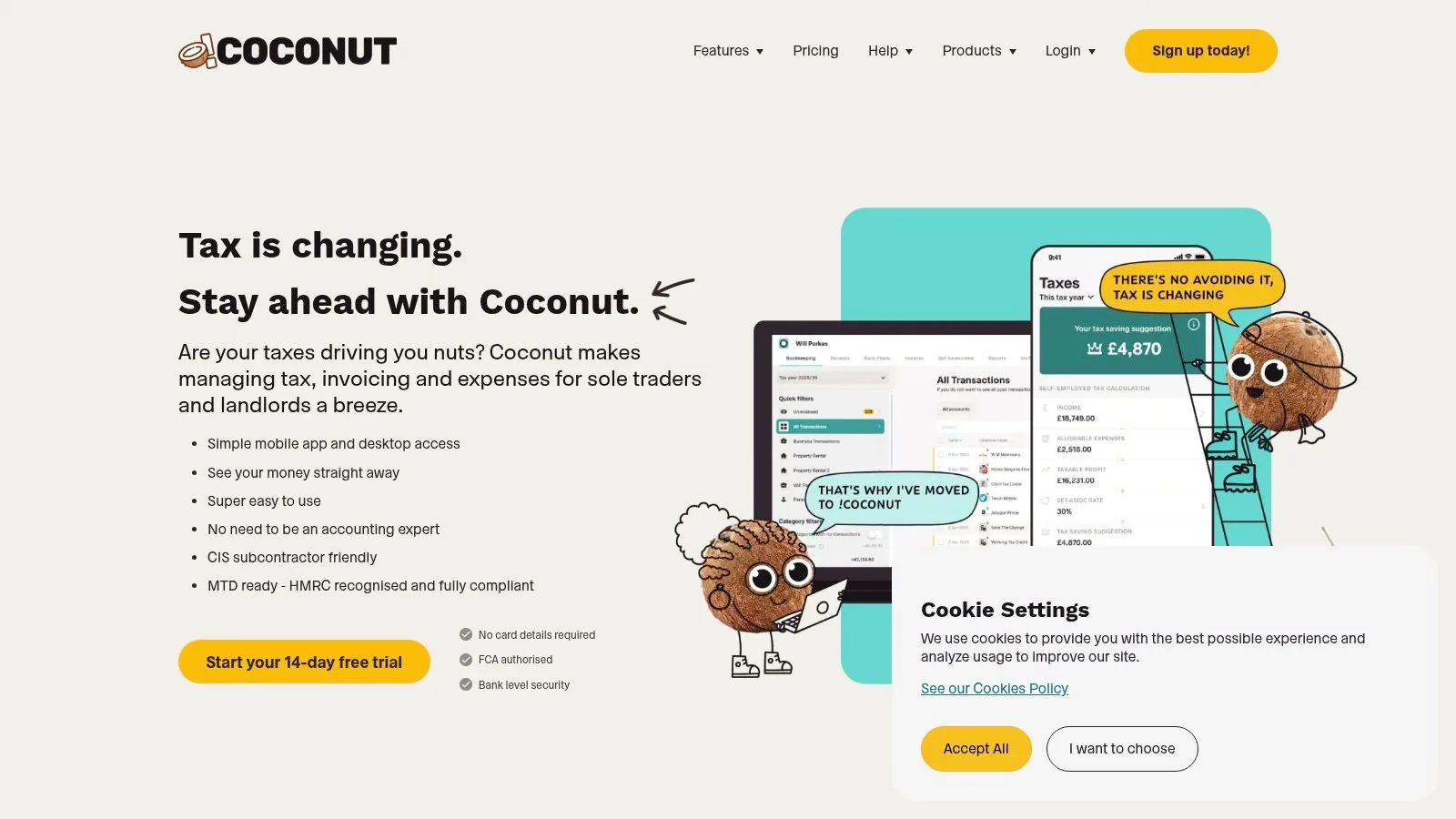
Some sole traders will keep records regularly on their phone but postpone anything that requires opening a desktop accounting package. Coconut is worth considering for that working style, with app-based bookkeeping focused on self-employed people and landlords.
Coconut says users can submit MTD quarterly updates and the year-end MTD tax return through the app after connecting it to HMRC. Confirm those functions within the subscription you're considering, rather than assuming every package combines bookkeeping and filing.
Judge the review process, not just capture
Adding expenses on your phone is only the beginning. Before choosing Coconut, check how you review uncertain categories, identify missing records and share information with your accountant.
- Good match: A mobile-first trader who wants self-employment records and tax tasks close together.
- Subscription decision: Features differ between packages, with annual payment options available.
- Potential limitation: A growing operation may need broader reporting and accounting workflows than a focused app provides.
Try recording a refund, a mixed personal-and-business purchase and a payment without an immediately available receipt. Those awkward transactions reveal more about the workflow than entering a straightforward expense.
Choose Coconut if mobile use makes consistent bookkeeping realistic for you. Don't choose it solely because the capture screens look simple; the checking and filing stages must feel manageable too.
For landlord side income, establish the supported property setup and annual-return coverage before moving records from another system.
8. Pandle
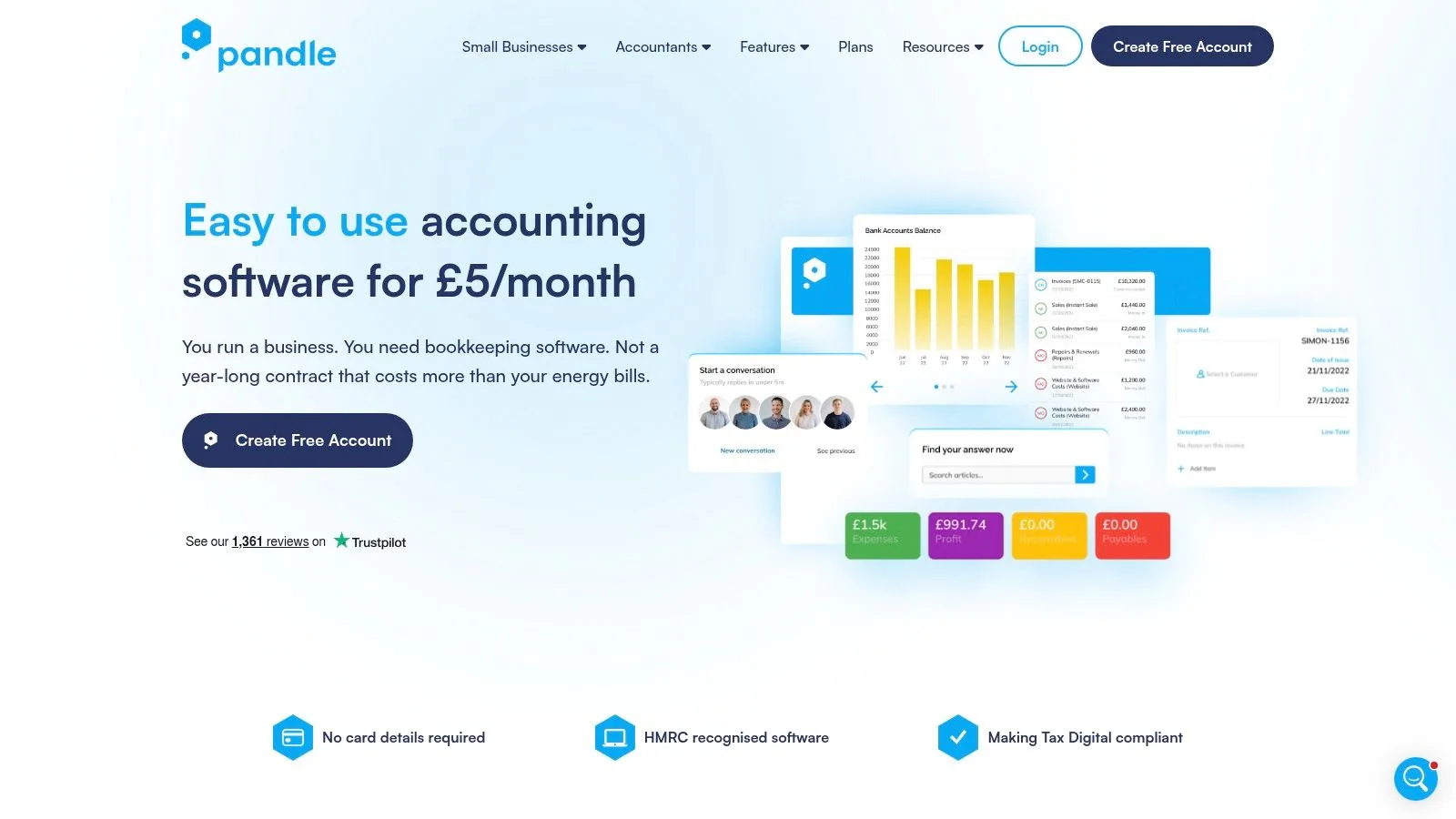
Pandle belongs on the budget-conscious bookkeeping shortlist, particularly if you want more than a tax submission bridge. It offers free and paid Pro tiers, with invoicing, business reports and MTD Income Tax submissions among its listed functions.
Pandle says it is HMRC-recognised for MTD Income Tax. Still, recognition shouldn't replace a check of whether the chosen product supports your specific income sources and required filing stages.
Free software still needs a workable process
The free tier may suit someone comfortable importing and checking records. Pro adds functions including bank feeds, receipt uploads and cash-flow forecasting, so the choice turns on how much manual handling you're prepared to retain.
Compare the process rather than counting features. If you repeatedly download bank files, rename documents and hunt for unmatched receipts, automation may be more useful than keeping the subscription at its lowest level.
- Main strength: A route into bookkeeping without immediately committing to a paid package.
- Upgrade reason: Bank feeds and receipt handling that reduce repeated administration.
- Scope gap to resolve: Whether the annual submission and your complete income mix are supported.
Before adopting Pandle, reconcile representative records and inspect the resulting reports. You need to understand what changed after a correction and how to trace the entry back to its evidence.
It's a plausible fit for a straightforward trade wanting bookkeeping first and MTD alongside it. It isn't a reason to stop reviewing the books before filing.
9. Clear Books
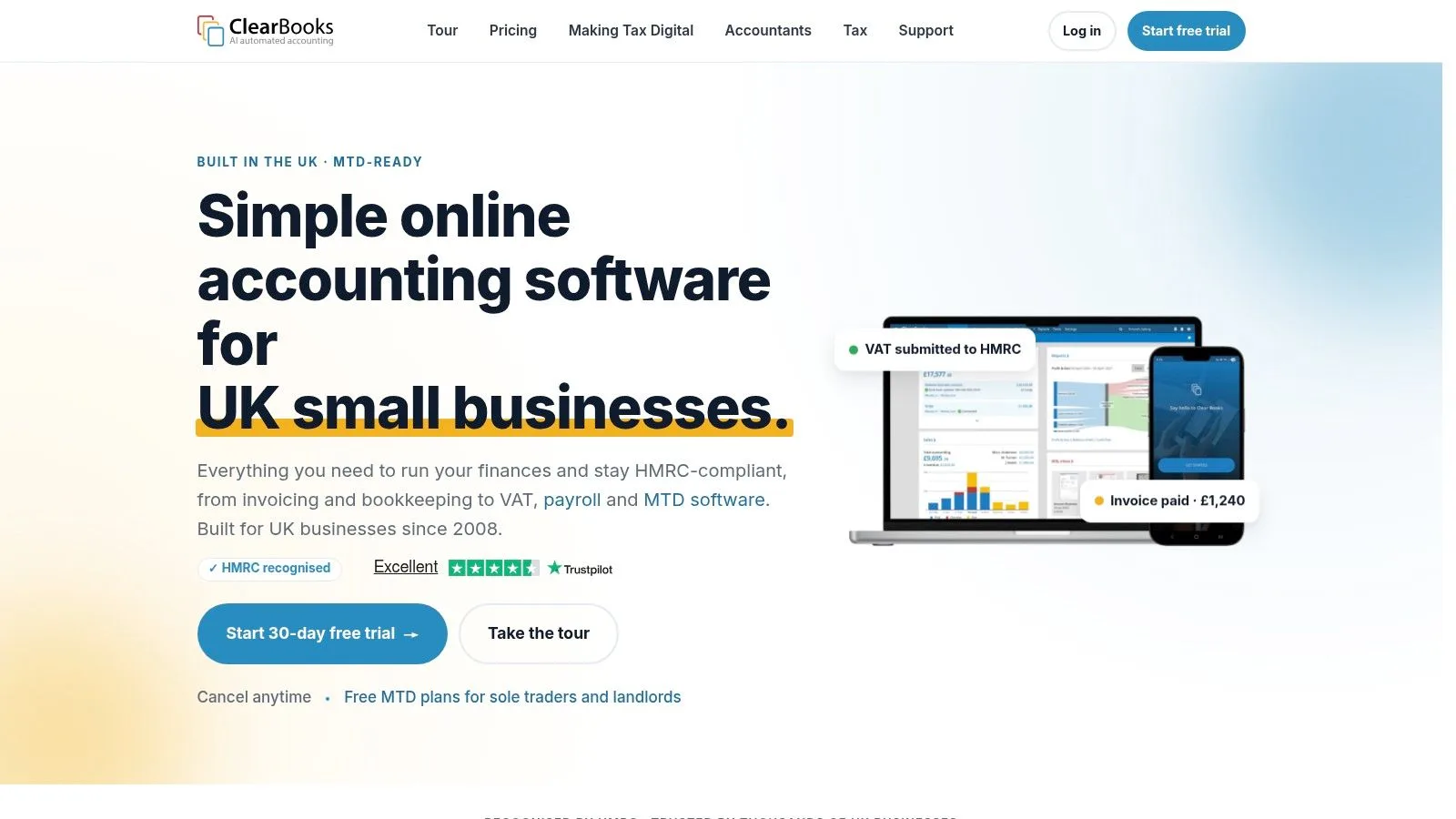
A trader with uncomplicated records and a tight software budget should compare Clear Books with the other free-entry options. Its Sole Trader Free plan is described as supporting MTD Income Tax quarterly updates, with basic records, reports and accountant access.
Paid plans add automation such as bank feeds, receipt scanning and invoicing. That creates a useful distinction between paying for access to reporting and paying to reduce the work behind it.
Separate quarterly scope from annual coverage
For this comparison, treat the free plan's quarterly-update support as the starting point. Confirm the required year-end filing scope before relying on it as your complete tax solution.
Clear Books also offers options for landlords. If you trade and receive rent, establish the account structure needed for both activities and whether that changes the cost or reporting workflow.
Free filing is a good deal when the remaining record-keeping is manageable. It's less useful when you spend every reporting period reconstructing the books.
Test how you enter income, correct mistakes and provide your accountant with access. Then compare the paid automation against the specific tasks that took longest.
Clear Books makes sense when you want a basic starting point with an upgrade path. It may be less attractive if your chosen free workflow requires repeated manual work that another suitable subscription could remove.
The decision is practical: can you keep the records complete throughout the year, without a separate rescue exercise before each update?
10. TaxCalc MTD Quarterly Filer
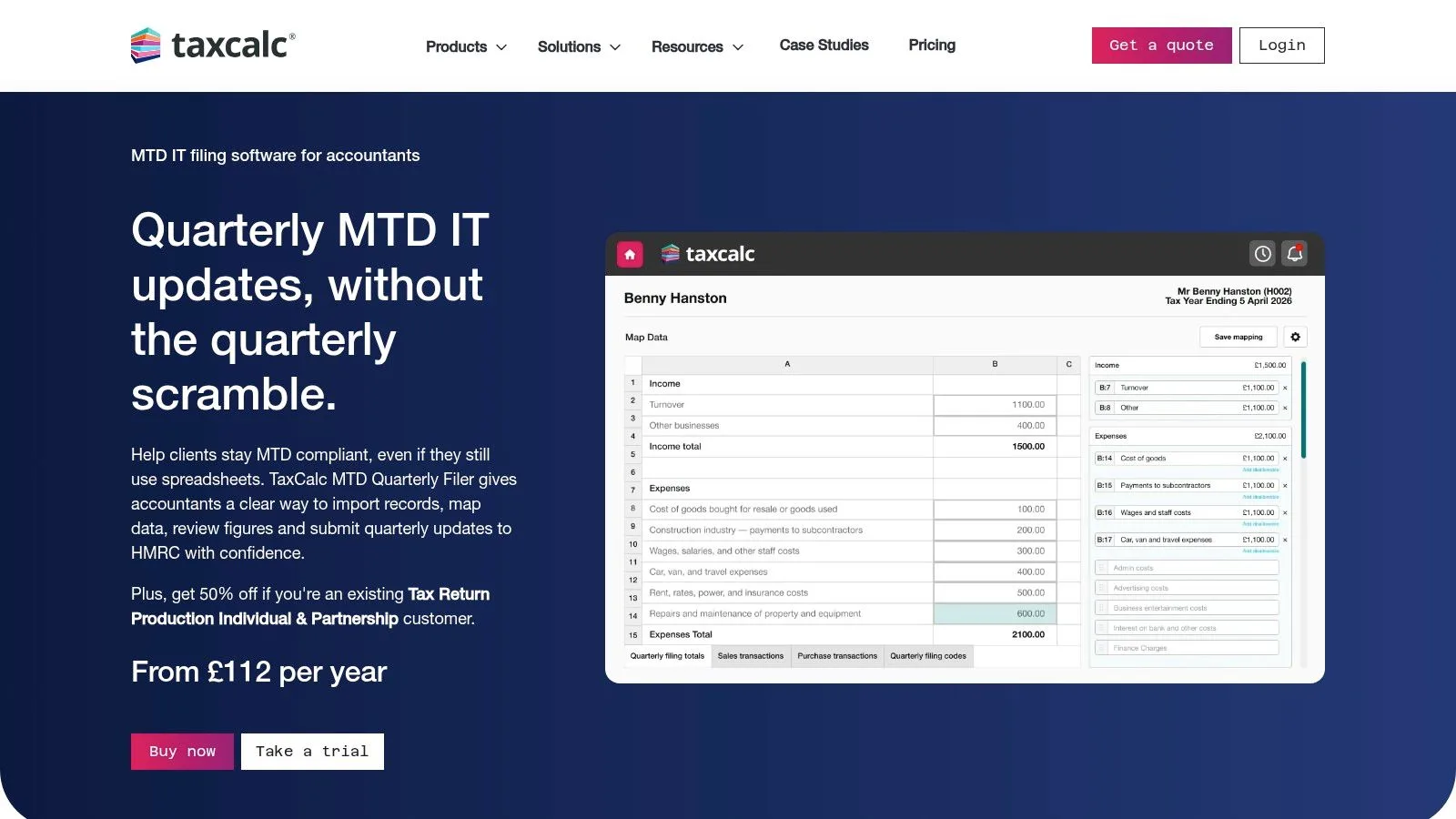
Keep the spreadsheet if it works. TaxCalc MTD Quarterly Filer is a bridging option for sole traders whose existing digital records are accurate and organised.
TaxCalc says the product can use spreadsheet data to submit quarterly updates to HMRC. It's compliance software, not bookkeeping software, so it won't replace the work of maintaining records, categorising expenses or reconciling the bank.
A bridge preserves the process, including its weaknesses
A well-maintained spreadsheet may be proportionate for an uncomplicated business. A workbook with overwritten formulas, unexplained totals and missing receipts needs repair before a filing bridge will be useful.
- Best fit: Spreadsheet keepers with consistent categories and a dependable reconciliation routine.
- Accountant connection: Particularly relevant where the accountant already uses TaxCalc.
- Important boundary: Quarterly filing doesn't, by itself, provide the complete annual-return route.
Our TaxCalc software guide gives further context for an accountant-supported setup. Establish who maintains the workbook, who checks changes and who submits the update.
Preserve the necessary digital links and test how adjustments flow from the underlying records to the submission. Don't build a process that relies on retyping totals whenever the spreadsheet changes.
TaxCalc's practice-oriented tools and pricing structure may be less convenient for an individual buying alone. Choose this route to preserve good bookkeeping, not to avoid improving records that already cause problems.
How the MTD tools compare on free options, sole trader setup and best use
| Item | Free option | Sole trader setup | Best for |
|---|---|---|---|
| Stewart Accounting Services | No public pricing; enquire for a tailored quote | Accountant support for sole traders, including accounts, tax and bookkeeping | Sole traders wanting hands-on accounting support and business guidance |
| FreeAgent | May be free for eligible bank customers | Dedicated sole-trader account type | Combining bookkeeping with tax reporting |
| Xero | No free option specified | Simple plan for non-VAT sole traders | Digital bookkeeping with room to add accounting features |
| QuickBooks | No free option specified | Dedicated Sole Trader offering | Sole traders needing bookkeeping, invoicing and MTD features |
| Sage Sole Trader | Free entry-level plan | Designed for non-VAT sole traders | Sole traders wanting a mobile-friendly free starting point |
| Zoho Books | No free option specified | Sole-trader and landlord setup | Users wanting accounting and reporting alongside tax submissions |
| Coconut | No free option specified | Plans tailored to sole traders and landlords | Self-employed users who prefer app-based bookkeeping |
| Pandle | Free tier available | UK bookkeeping software with MTD support | Budget-conscious users wanting bookkeeping and MTD submissions |
| Clear Books | Free plan available | Plans for sole traders and landlords | Sole traders seeking free basic MTD updates |
| TaxCalc MTD Quarterly Filer | No free option specified | Spreadsheet bridging tool, not bookkeeping software | Sole traders who want to keep spreadsheet records and submit quarterly updates |
Match the Tool to Your Records Before the First Deadline
Start by choosing the kind of help you need: software that keeps the books, a bridge that files existing digital records, or an accountant-managed process. These are different purchases, even when all appear under MTD software for sole traders.
For regular invoicing and connected bookkeeping, compare FreeAgent, Xero and QuickBooks against your actual bank accounts and sales process. Add Zoho Books if its wider applications are useful, or Coconut if phone-based record-keeping is the approach you'll maintain.
Build a shortlist around the unresolved work
Sage Sole Trader, Pandle and Clear Books deserve consideration where cost and simplicity matter. TaxCalc Quarterly Filer belongs on the shortlist when your spreadsheets already work and you need the submission connection rather than a replacement ledger.
- Non-VAT and straightforward: Test a focused entry plan before paying for wider accounting.
- CIS subcontractor: Follow a real payment statement through the selected plan.
- Trading plus property: Confirm account structure, combined subscription cost and annual-return coverage.
- Growing business: Prioritise reconciliation, reporting and accountant access alongside filing.
Check the plan, not the brand, for quarterly updates, the final declaration and any CIS or landlord income you report. An MTD for VAT claim doesn't answer the Income Tax question, and quarterly-update capability doesn't establish complete annual coverage.
There's a practical reason to test the whole workflow. HMRC's programme assessment reports that 45% of consulted customers said MTD software saved time. That finding isn't a promise about your setup; repeated entry and unresolved exceptions still need attention.
Test real records before committing
Try a free plan or trial with a real month of transactions. Include a missing receipt, a refund, a transfer between accounts and a purchase with a personal element, then reconcile the results.
Check what you can export and how your accountant accesses the records. Agree who corrects mistakes and who submits before you authorise the live filing connection.
If the setup feels heavier than the problem, reconsider the route. More functionality isn't automatically better, but the cheapest subscription isn't cheaper if you must reconstruct the books around it.
Book a discovery call with Stewart Accounting Services by emailing mark@stewartaccounting.co.uk. Bring your current software details, a sample of your records and a list of your income sources. We can help you choose a proportionate route, set up Xero and supporting apps where appropriate, and provide ongoing bookkeeping support if you'd rather hand that work over.
Recent Posts
25 Nov, 2026